Virtual Tattoo Try-On
See your tattoo on your body before you commit
Step 1: Upload Your Tattoo Design
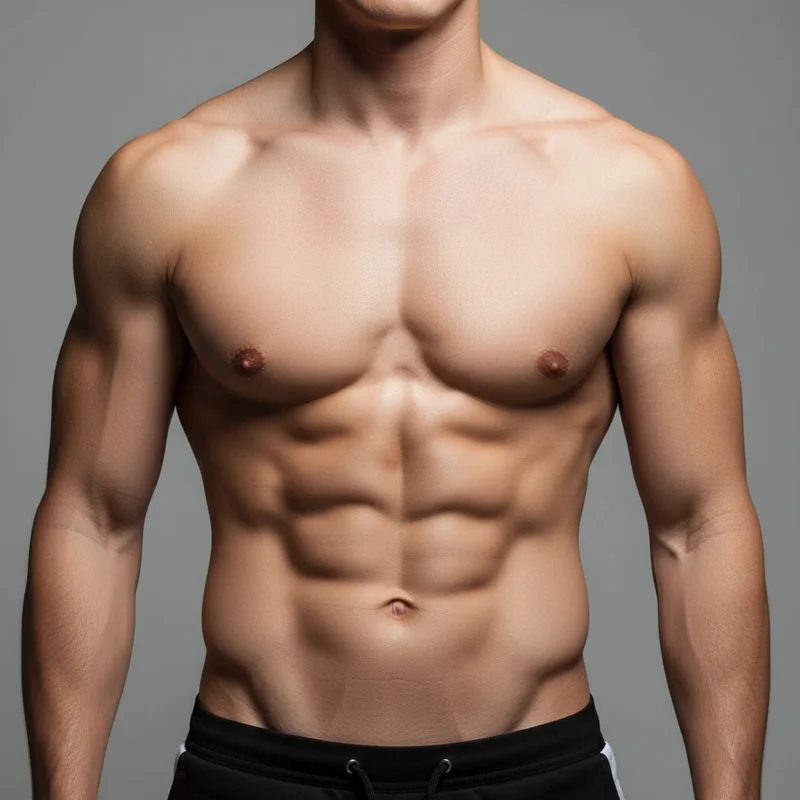
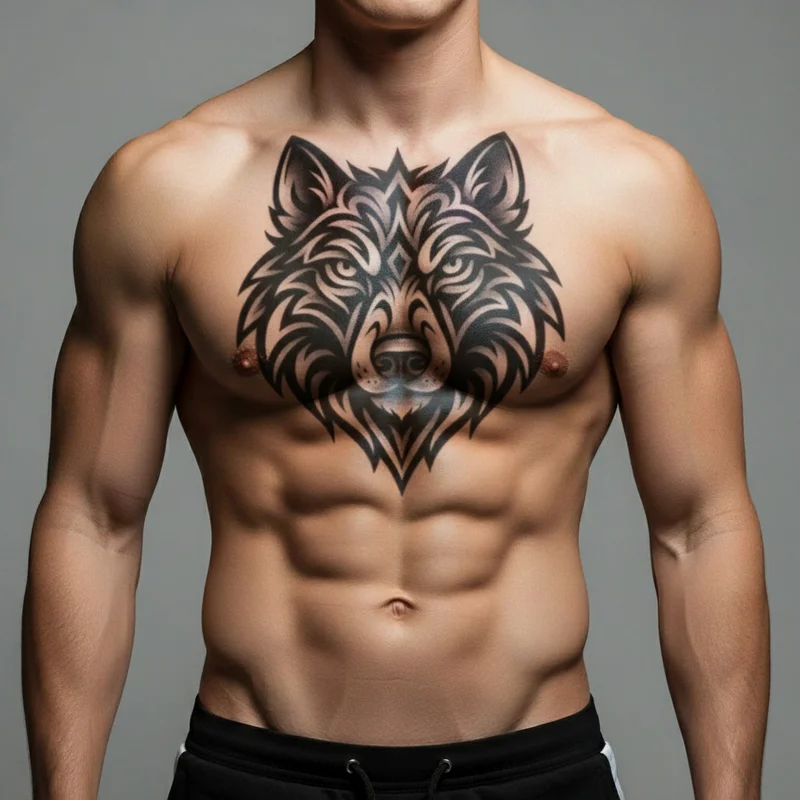
Realistic Preview
See how it looks on real skin
Multiple Skin Tones
Choose your skin tone match
Use Your Photo
Upload personal photo (PRO)
2 Credits
Affordable try-on service
Tattoo Try-On Guide
Upload your tattoo first
Choose an existing tattoo design or create one
Then upload your photo
Select a sample body part or use your own photo
Try on your tattoo
See realistic preview and download result
Your Design
Your Own Photo
* Preview images are AI-generated examples
How Virtual Try-On Works
See your tattoo on real skin before committing to permanent ink
Upload Tattoo Design
Start with any tattoo design - your own sketch, AI-generated design, or professional artwork.
Choose Body Part
Select from sample body parts (free) or upload your own photo (Pro) for personalized preview.
Get Realistic Preview
AI places your tattoo naturally on skin, matching contours, lighting, and shadows.
Why Use Virtual Try-On?
Make confident tattoo decisions with AI-powered realistic previews
Realistic Preview
Advanced AI creates photorealistic previews that show how your tattoo will actually look on your skin.
Try Before You Ink
Avoid tattoo regret by seeing exactly how a design looks on your body before making it permanent.
Multiple Body Parts
Try your design on arms, chest, back, legs, and more to find the perfect placement.
Multiple Skin Tones
Choose from sample photos with different skin tones to see how tattoos look on various complexions.
Personal Photos (Pro)
Pro users can upload their own photos for the most accurate, personalized try-on experience.
Fast & Affordable
Only 2 credits per try-on. Quick results help you make confident tattoo decisions.
Explore Tattoo Styles
Browse our AI-generated tattoo gallery across 8 professional styles
View Gallery →
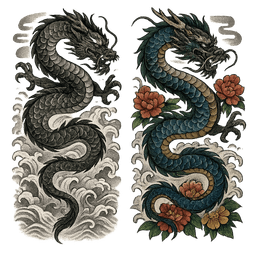
Japanese
Traditional Japanese art with dragons and koi

View Gallery →
Minimalist
Clean, simple line art designs

View Gallery →
Tribal
Bold Polynesian and Maori patterns

View Gallery →
American Traditional
Classic sailor tattoos with bold lines
View Gallery →
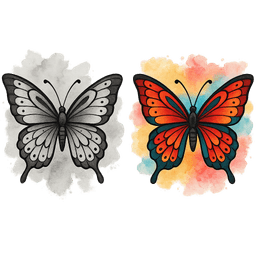
Watercolor
Vibrant splash and paint effects
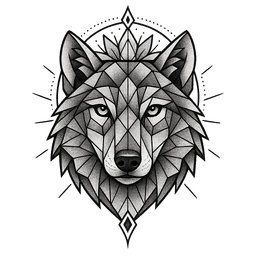
View Gallery →
Geometric
Sacred geometry and precision

View Gallery →
Fine Line
Delicate thin line work
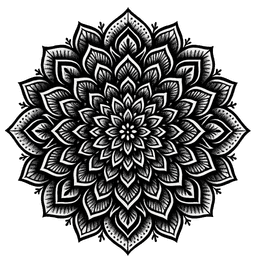
View Gallery →
Blackwork
Bold solid black designs
Frequently Asked Questions
How realistic are the try-on previews?
Our AI creates highly realistic previews by analyzing skin texture, lighting, shadows, and body contours. While actual tattoos may vary slightly based on the artist's technique, our previews give you an excellent idea of how the design will look.
Can I use my own photos?
Yes! Pro subscribers can upload personal photos for the most accurate, personalized try-on experience. Free users can choose from our sample body part images with different skin tones.
What body parts can I try tattoos on?
We support arms, forearms, chest, back, shoulders, legs, ankles, wrists, hands, neck, and face. You can select from sample images or upload your own photos of any body part.
How much does it cost?
Each virtual try-on costs 2 credits. Free users get 10 credits (5 try-ons), and Pro subscribers get 200 credits per month (100 try-ons). Pro users can also upload personal photos.
Can I try the same tattoo on different body parts?
Absolutely! You can try the same tattoo design on multiple body parts to find the perfect placement. Each try-on costs 2 credits.
What tattoo formats work best?
PNG images with transparent backgrounds work best, but we support all common image formats. Designs with clear outlines and good contrast produce the most realistic results.
Ready to See Your Tattoo?
Try on your tattoo design before getting inked. Make confident decisions with AI-powered previews.