Photo-to-Tattoo
Transform your photos into stunning tattoo designs with AI
Photo to Tattoo Guide
See how it works
Original Photo
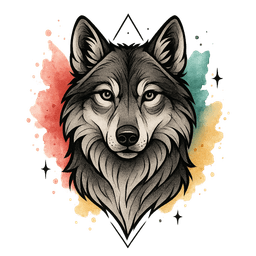
Tattoo Design
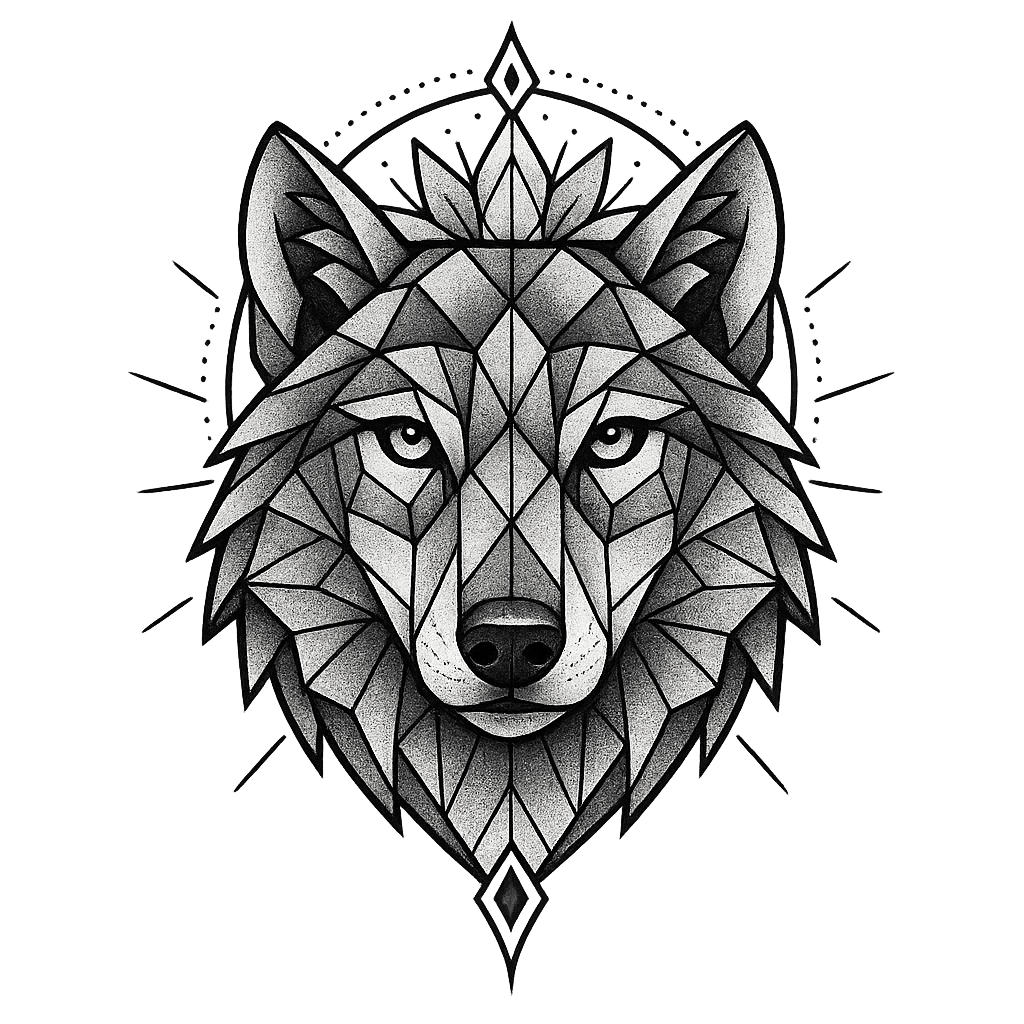
Original Photo
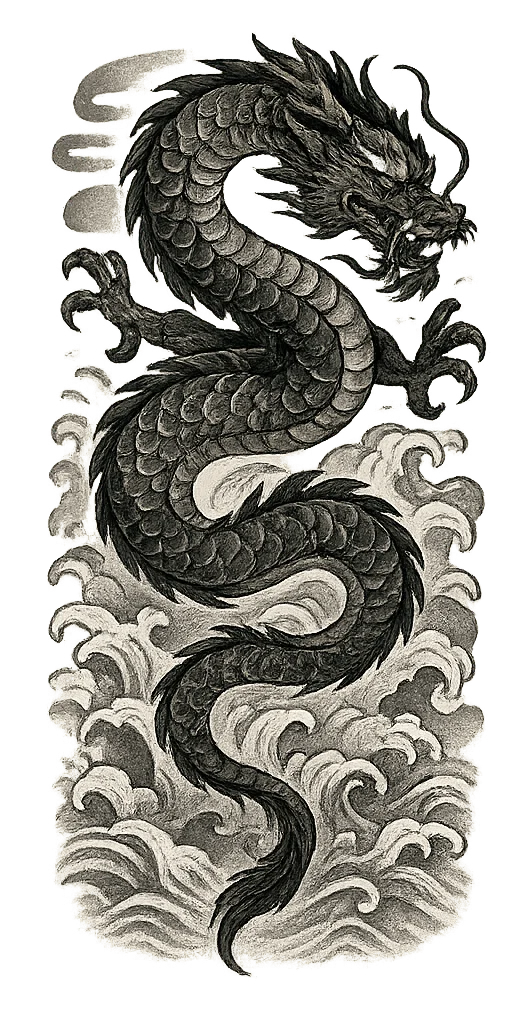
Tattoo Design
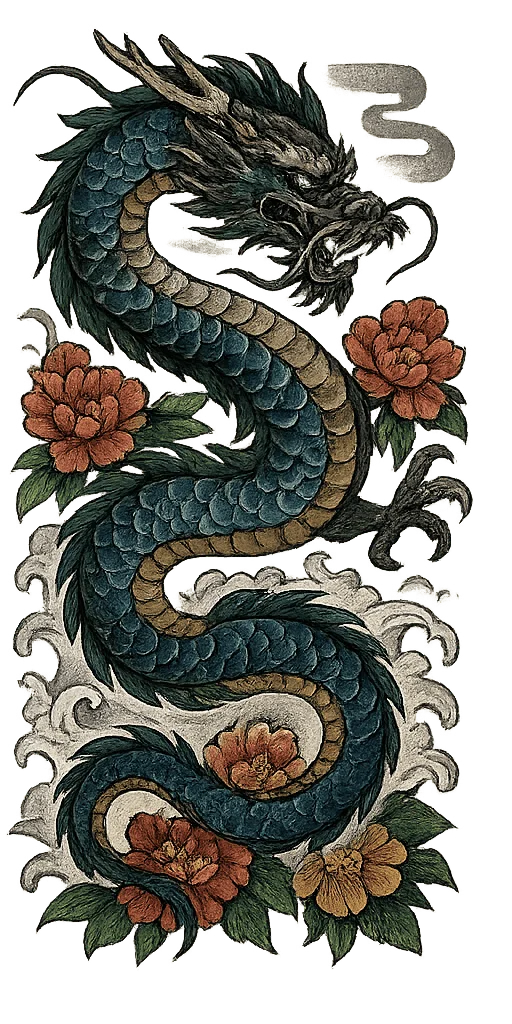
Transparent PNG
Perfect for placement
12 Styles
From basic to pro
Add Text
Optional overlay
2 Credits
Per generation
Get Started
Upload your photo and choose a style
Add text to display on the tattoo design
Please log in to continue
How Photo-to-Tattoo Works
Transform any photo into a custom tattoo design in 3 simple steps
Upload Your Photo
Choose any photo - pets, people, objects, or landscapes. Our AI works with any image.
Select Your Style
Pick from 12 professional tattoo styles and optionally add text overlay to your design.
Get Your Tattoo Design
Download your tattoo-style image with transparent background, ready for your artist.
Why Choose Photo-to-Tattoo?
Turn your memories and favorite images into unique tattoo artwork
AI-Powered Conversion
Advanced AI transforms any photo into professional tattoo artwork while preserving the essence of your image.
12 Tattoo Styles
Choose from watercolor, traditional, geometric, and 9 more professional tattoo styles.
Transparent PNG
All designs come with transparent backgrounds for easy placement and mockups.
Add Text
Optionally add names, dates, or meaningful text to personalize your tattoo design.
Any Photo Works
Pets, people, objects, landscapes - our AI handles all types of images beautifully.
Affordable
Only 2 credits per design. Much cheaper than commissioning custom tattoo artwork.
Explore Tattoo Styles
Browse our AI-generated tattoo gallery across 8 professional styles
View Gallery →
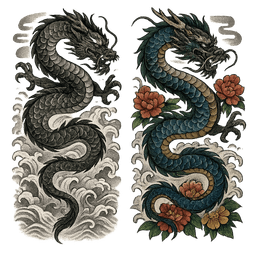
Japanese
Traditional Japanese art with dragons and koi
View Gallery →
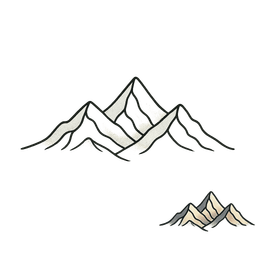
Minimalist
Clean, simple line art designs
View Gallery →
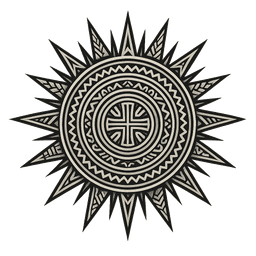
Tribal
Bold Polynesian and Maori patterns
View Gallery →
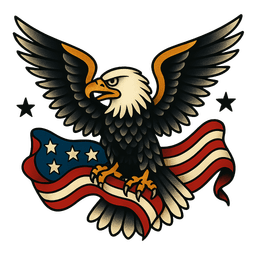
American Traditional
Classic sailor tattoos with bold lines
View Gallery →
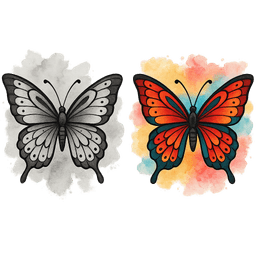
Watercolor
Vibrant splash and paint effects
View Gallery →
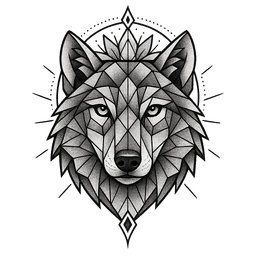
Geometric
Sacred geometry and precision

View Gallery →
Fine Line
Delicate thin line work
View Gallery →
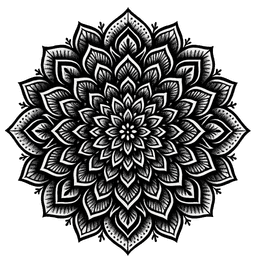
Blackwork
Bold solid black designs
Frequently Asked Questions
What photos work best?
Clear, well-lit photos with good contrast work best. Photos of pets, portraits, objects, and meaningful items all convert beautifully into tattoo designs. Avoid blurry or very dark images.
Can I add text to the tattoo?
Yes! You can add custom text like names, dates, or meaningful phrases. The AI will integrate the text into the tattoo design in a way that matches the selected style.
What file format do I get?
You receive a high-quality PNG file with a transparent background. This makes it easy to preview on different body parts or share with your tattoo artist.
How much does it cost?
Each photo-to-tattoo conversion costs 2 credits. Free users get 10 credits (5 conversions), and Pro subscribers get 200 credits per month (100 conversions).
Can I use the design for an actual tattoo?
Absolutely! These designs are perfect to take to your tattoo artist. They can use it as-is or as inspiration for creating your final tattoo. Always discuss with your artist about any modifications.
What styles are available?
We offer 12 styles: Basic, Tribal (free), American Traditional, Japanese, Geometric, Minimalist, Realism, Watercolor, Blackwork, Neo-Traditional, Fine Line, and Anime (Pro styles).
Ready to Transform Your Photo?
Turn your favorite memories into unique tattoo designs in seconds